


Profit & Margin Calculator
Calculate profit margins, markup, sales tax, and business valuation
Finance · Utilities
Download on the App StoreNot sure how to calculate your profit margin? Trying to figure out the right markup for your products? Need to add sales tax to a price? Profit & Margin Calculator gives you seven financial calculators in one app, so you always have the answer in your pocket.
How to Calculate Profit Margin
Profit margin is your profit expressed as a percentage of revenue. If you sell something for $100 and it cost you $60, your profit is $40 and your margin is 40%. The Gross Margin Calculator in this app does this math instantly — enter your revenue and cost, and it gives you the margin.
There is also a Net Profit Margin Calculator for when you want to factor in all your expenses, not just cost of goods sold.
How to Calculate Markup vs. Margin
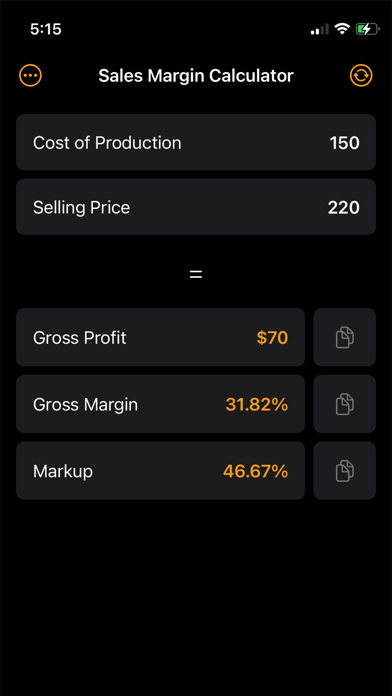
Markup and margin are not the same thing, and confusing them is one of the most common pricing mistakes. Markup is the percentage you add to your cost. Margin is the percentage of the selling price that is profit. A 50% markup gives you a 33% margin. The Sales Margin Calculator helps you see both numbers so you can price correctly.
How to Calculate Sales Tax
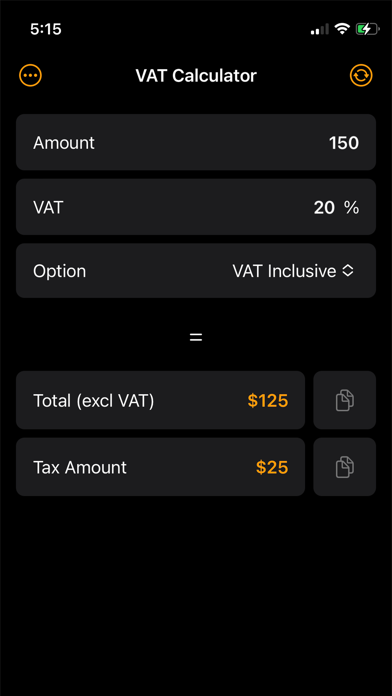
Enter the pre-tax price and the tax rate, and the Sales Tax Calculator shows the tax amount and total price. Works for any tax rate in any region.
How to Calculate Annual Profit
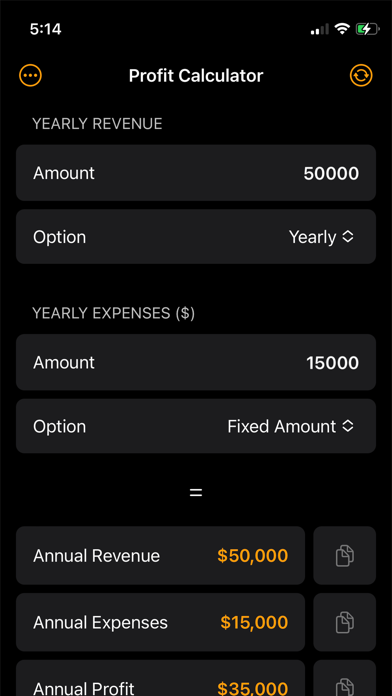
Enter your total revenue and total expenses for the year. The Annual Profit Calculator shows your profit and lets you see how changes to revenue or costs would affect your bottom line.
How to Estimate Business Valuation
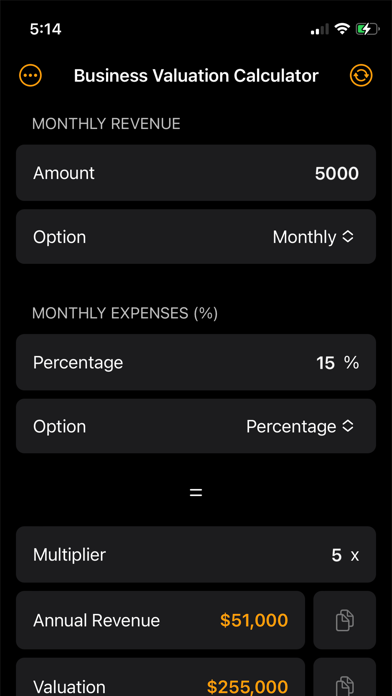
The Business Valuation Calculator uses standard methods to give you a rough estimate of what your business is worth, based on your financial numbers.
Screenshots
Frequently Asked Questions
What is the difference between margin and markup? Margin is profit as a percentage of the selling price. Markup is profit as a percentage of the cost. A 100% markup gives you a 50% margin. The app calculates both.
How do I calculate profit margin on a product? Subtract the cost from the selling price to get profit, then divide profit by the selling price and multiply by 100. Or just enter both numbers into the Gross Margin Calculator.