


People Counter
Tally counter app for headcounts, attendance, and capacity tracking
Utilities · Business
Download on the App StoreNeed to count how many people are in a room, at an event, or entering a store? People Counter turns your iPhone into a simple tally counter. Tap plus when someone walks in, tap minus when they leave, and the running total is always on screen.
When Do You Need a People Counter?
Store capacity limits — Many stores need to track how many customers are inside at any given time, especially during busy periods or when local regulations set maximum occupancy.
Event attendance — Conference organizers, church administrators, and party hosts use headcounts to track how many people showed up.
Classroom or meeting headcounts — Teachers, HR staff, and meeting organizers who need a quick count of who is present.
Venue door management — Bouncers, ushers, and door staff tracking the flow of people in and out.
Surveys and research — Anyone doing fieldwork who needs to count occurrences of something.
How It Works
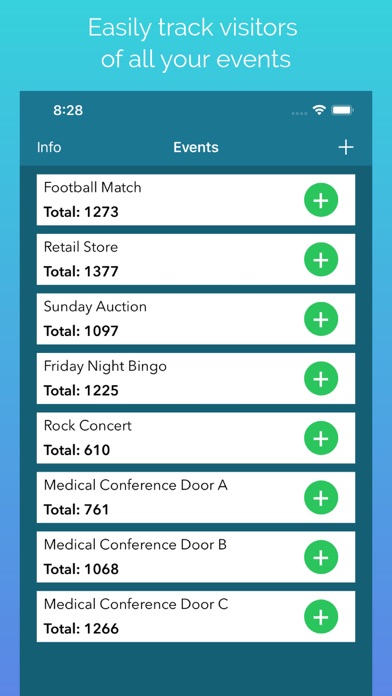
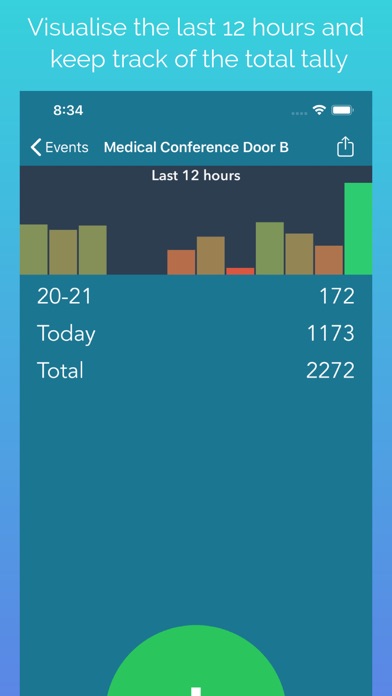
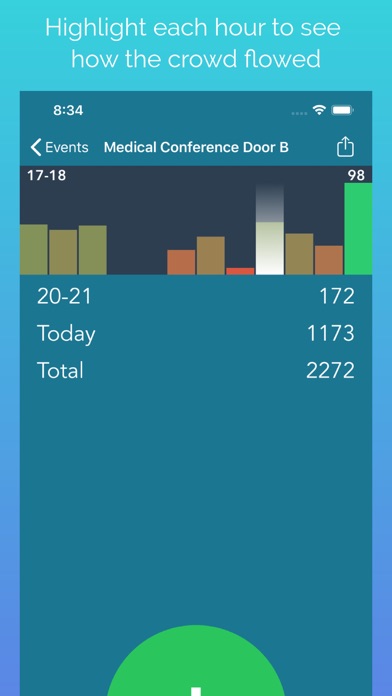
The app shows a large number in the center of the screen. Two large buttons — plus and minus — are easy to tap even when you are not looking directly at the phone. That is the entire interface. No setup, no configuration, no learning curve.
Screenshots
Frequently Asked Questions
What is the best free tally counter app? People Counter has large easy-to-tap buttons, and shows the running total prominently. No sign-up or configuration needed.
Can I count people entering and leaving? Yes. Tap plus when someone enters and minus when they leave. The total always reflects the current number of people present.
Does it work without internet? Yes. The app works entirely offline.