

Body Measurement Tracker
Log weight, body fat, waist, and other measurements with progress charts
Health & Fitness · Lifestyle
Download on the App StoreThe scale only tells part of the story. If you are working out, losing weight, or just trying to stay healthy, tracking your body measurements over time gives you a much clearer picture of what is actually changing. Body Measurement Tracker lets you log everything — weight, body fat, waist, arms, chest, and more — and shows your progress in simple charts.
What Body Measurements Should You Track?
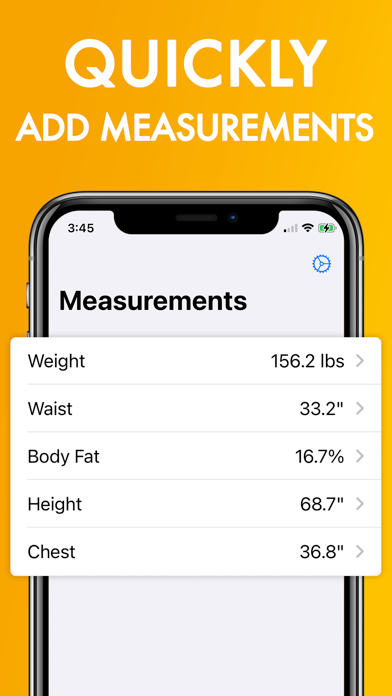
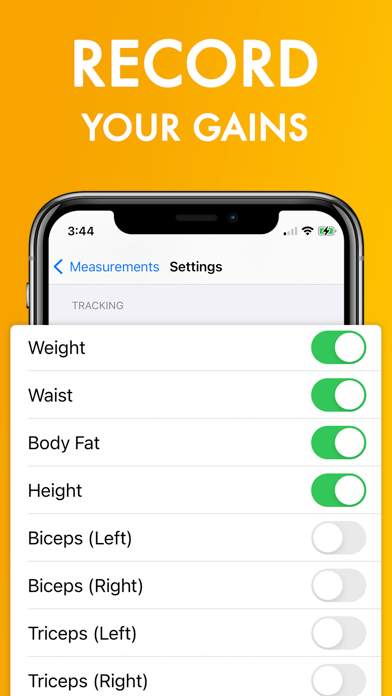
Most people start with weight, but measurements like waist circumference, body fat percentage, and limb sizes tell you whether you are losing fat, gaining muscle, or both. The app lets you track all of these:
- Weight — The number on the scale
- Body fat percentage — How much of your weight is fat vs. lean mass
- Waist and hips — Key indicators of visceral fat and overall health
- Chest, shoulders, and neck — Upper body changes
- Biceps, triceps, and forearms — Arm development
- Thighs and calves — Leg development
- Wrist and height — Reference measurements
How to See Your Progress Over Time
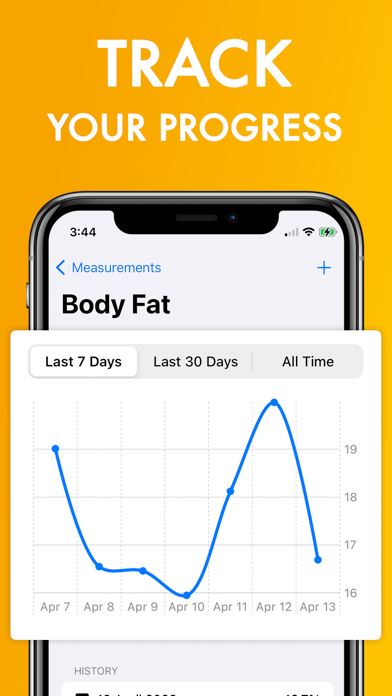
After logging a few entries, the app generates charts showing your trend over the last 7 days, 30 days, or all time. This is where the real value shows up — you can see that your waist is shrinking even if your weight has not changed, which tells you that you are replacing fat with muscle.
How Often Should You Measure?
Most fitness coaches recommend measuring once a week, on the same day and at the same time (usually morning, before eating). The app makes this quick — open it, enter your numbers, and you are done in under a minute.
Screenshots
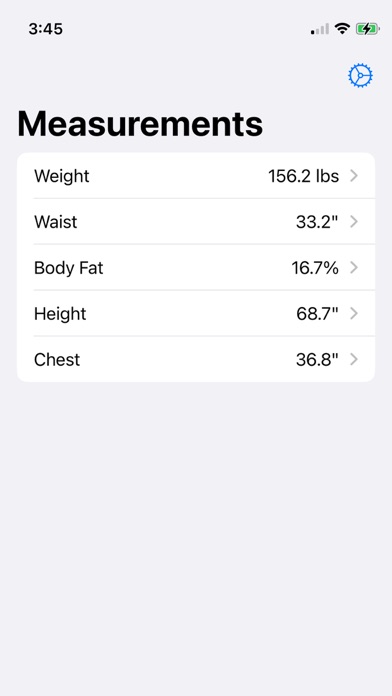
Metric and Imperial Support
Switch between kilograms and pounds, or centimeters and inches, at any time. The app converts your existing data automatically.
Frequently Asked Questions
What is the best app to track body measurements?
How do I track body fat percentage on my phone? Open Body Measurement Tracker, select Body Fat, and enter your measurement. Use a body fat caliper or smart scale for the reading, then log it in the app to track your trend over time.
Can I see my measurements in a graph? Yes. The app shows charts for every measurement across 7-day, 30-day, and all-time views.