


Allowance Tracker
Track your kids' pocket money and teach them to save
Finance · Utilities
Download on the App StoreTrying to keep track of how much pocket money your kids have saved up? Tired of scribbling it on sticky notes or forgetting who owes what? Allowance Tracker keeps a running balance for each of your children so everyone always knows where they stand.
How to Track Your Kids’ Allowance
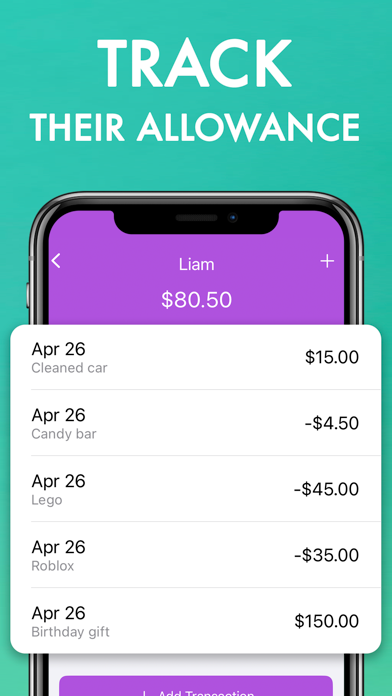
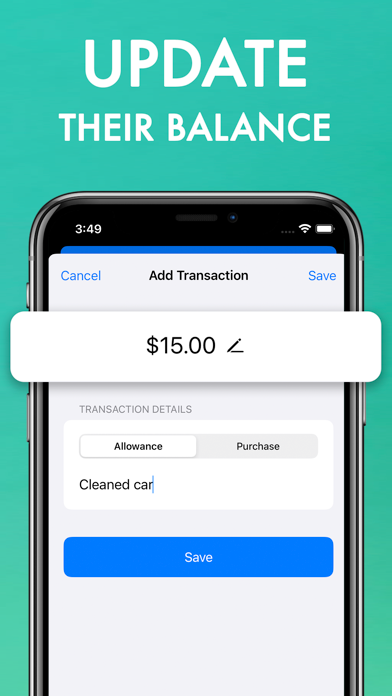
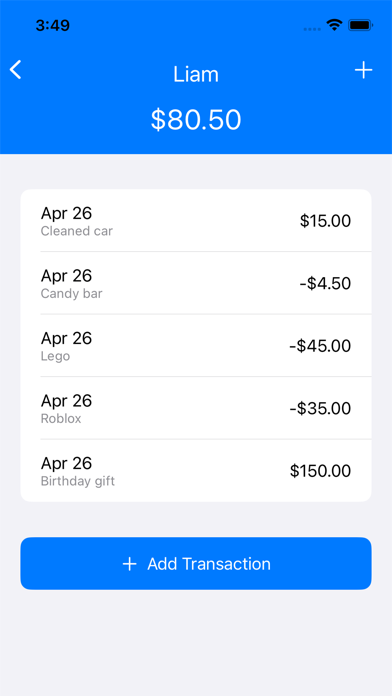
Add each of your children to the app. Whenever you give them their weekly or monthly allowance, tap the plus button and enter the amount. The balance updates immediately. When they spend money, deduct it. That is it — the app does one thing and does it well.
Teaching Kids About Money
The reason many parents use an allowance tracker is not just bookkeeping — it is a way to teach kids about saving and spending. When your child can see their balance going up over weeks, they start understanding that saving has a visible reward. When they see it drop after a purchase, they think twice about the next one.
This works especially well for kids who want to save up for something specific. They can check their balance anytime and see how close they are to their goal.
What About Multiple Children?
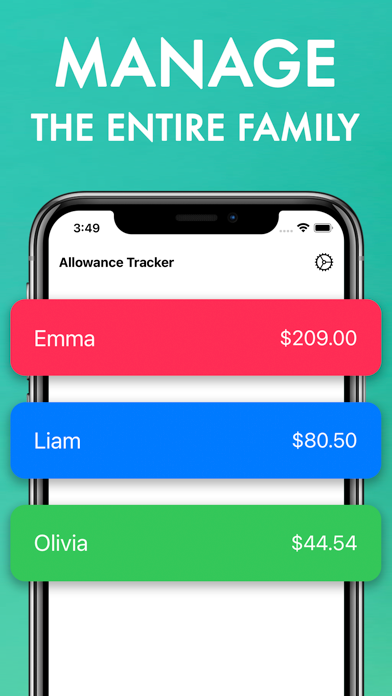
The app supports as many children as you need, each with their own balance, transaction history, and color theme. One child might have $45 saved up while another has $12 — everyone’s money is tracked separately.
Screenshots
Privacy and Safety
All data stays on your device. There are no accounts to create, no cloud sync, and no data collection. The app is also password-protected, so your kids cannot change their own balances.
Frequently Asked Questions
What is the best app to track kids’ allowance? Allowance Tracker is designed specifically for this. It is intentionally simple — no chore charts, no investments, no complexity. Just balances and transactions.
Can my kids see their own balance? Yes, but the app is password-protected so they cannot edit it.
Can I track allowance for more than one child? Yes. There is no limit to how many children you can add.